Multipart3D is a free online STL splitter. Open an STL or a painted 3MF, cut it into parts that fit your 3D printer, add connectors so the pieces go back together, and export the parts for your slicer. There is nothing to install, no account, and no upload: the model stays in your browser tab from start to finish.
Split STL files online, without CAD
A slicer prepares a model for printing, but its mesh-editing tools are usually limited compared with a dedicated model-splitting tool. So when a download from Printables, MakerWorld or Thingiverse is wider than the build plate, needs fewer supports, or should print in separate colors, the usual advice is to open Blender or a CAD program. For a cut that takes thirty seconds to describe, that is a lot of software to learn.
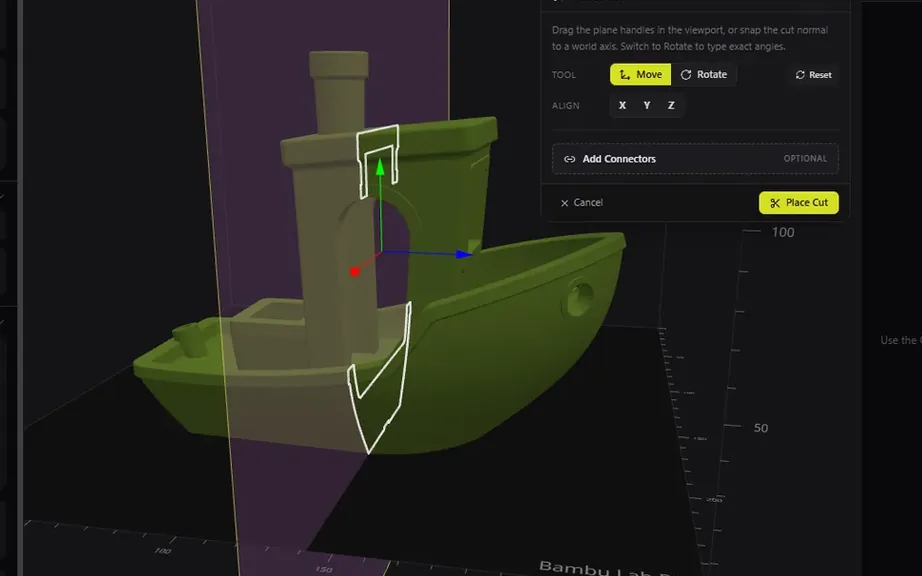
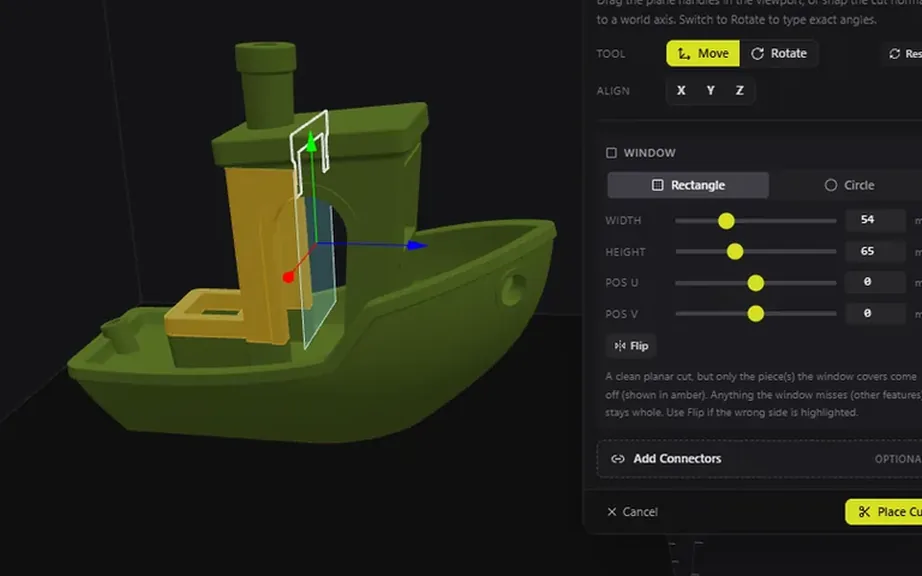
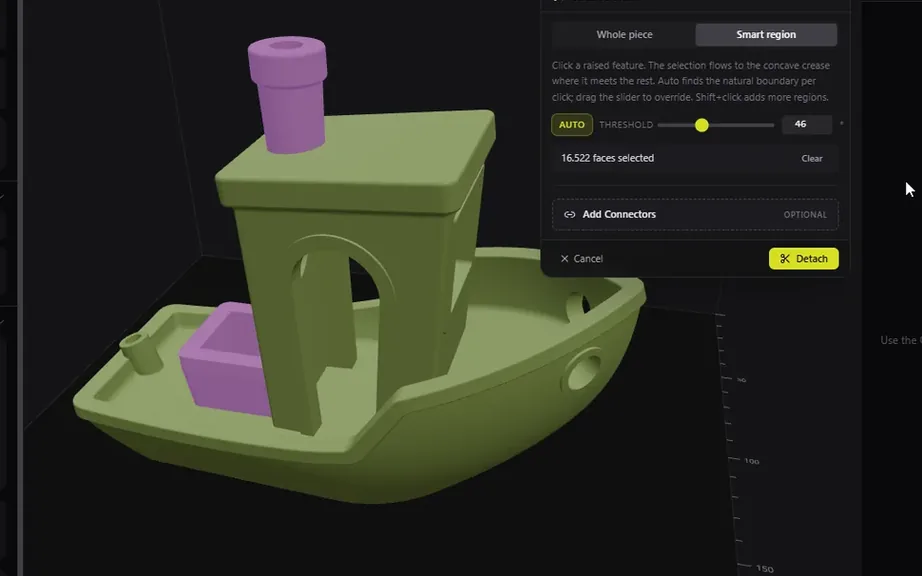
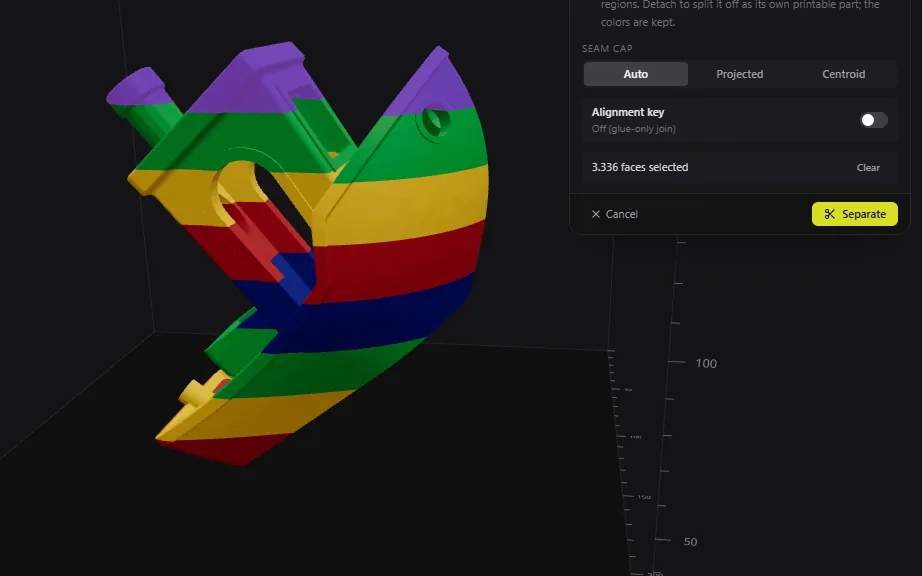
Multipart3D does that cut in the browser. A planar cut slices the whole model along a plane you place. An area cut limits that plane to a rectangle or a circle, so a hatch or a panel comes off and the rest of the model stays whole. A dovetail cut puts interlocking teeth in the seam. Smart Detach peels off a feature you click, such as a chimney or a horn, by following the crease where it meets the body. Every part exports as STL or 3MF, ready for Bambu Studio, OrcaSlicer, PrusaSlicer or Cura.
Why split a 3D model before printing
A model that is too big for the printer is the obvious case, and it is not the only one. Makers also cut a mesh to:
- Fit a helmet, prop or terrain tile on a desktop 3D printer
- Print an overhanging part on its own flat base, with far less support
- Stand a face, logo or text upright so the layer lines run the right way
- Print colors or materials as separate parts on a single-extruder printer
- Align the layer direction with the load so a functional part is stronger
- Isolate a thin, fragile piece so a break means a small reprint, not the whole model
Before you cut anything, the build-volume overlay shows whether the model, and later each part, fits the printer you picked. Rotating or scaling is sometimes enough. When it is not, you place the cut.
You decide where the seam goes
Automatic splitters chop a model into a grid of bed-sized blocks. That is fast, and it puts seams wherever the grid lands, including across a face. Multipart3D works the other way around: you drag the plane to where the seam is easiest to hide or to sand, under a rim, along a panel line, through the back instead of the front. A flat cut face also makes a good first layer, so a well-placed seam often removes most of the support as well.
There is no automatic split-to-bed yet; it is on the roadmap.
Connectors and dovetail joints that lock the parts together
A split is only useful if the parts assemble cleanly. After any cut you can click the mating face and add plugs, dowels, snap-fits, pin holes or magnet pockets. Plugs and dowels align glued halves. Pin holes take a steel rod or a bamboo skewer for heavy props. Magnet pockets, with 6×3, 8×2 and 10×3 mm presets, suit a visor or a lid that comes off again. Clearance presets of 0.15, 0.20 and 0.30 mm for FDM, and 0.07 and 0.10 mm for resin, mean the parts dry-fit before glue instead of after sanding.
A dovetail cut puts teeth in the seam itself, so large cosplay pieces and multi-part props slide together and self-align rather than sliding around on a flat glue face.
Split a painted 3MF by color
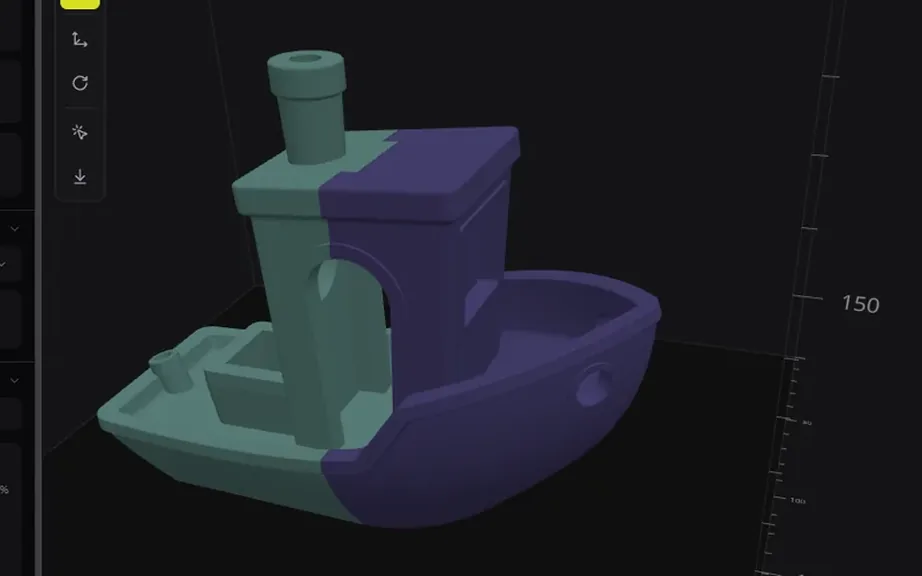
Paint a model in Bambu Studio, OrcaSlicer or PrusaSlicer, save it as 3MF, and open it here. Separate by Color (beta) detaches the painted region you click as its own part, with the paint kept on the exported mesh. That is how you print a multicolor model on a single-extruder printer, or hand each color to a different material, without repainting anything. STL files carry no color, so this one is 3MF only.
Your files never leave your device
Loading, cutting and exporting all run inside the browser tab. Nothing is uploaded, nothing is stored on a server, and there is no account to create. That matters for a paid model, an unreleased design or client work. Multipart3D is free for personal and commercial use; privacy and terms spell out the details.
The feature pages show each tool step by step with screenshots. How to split an STL file for 3D printing covers the whole process, from checking the build volume to what the Cut tool in each slicer can and cannot do. And about is why this tool exists.